How to Choose the Right Office Chair for Your Home Office
Your chair affects your comfort every working hour. Learn which adjustments matter, how to measure for fit and what to look for in a home office chair at any budget.
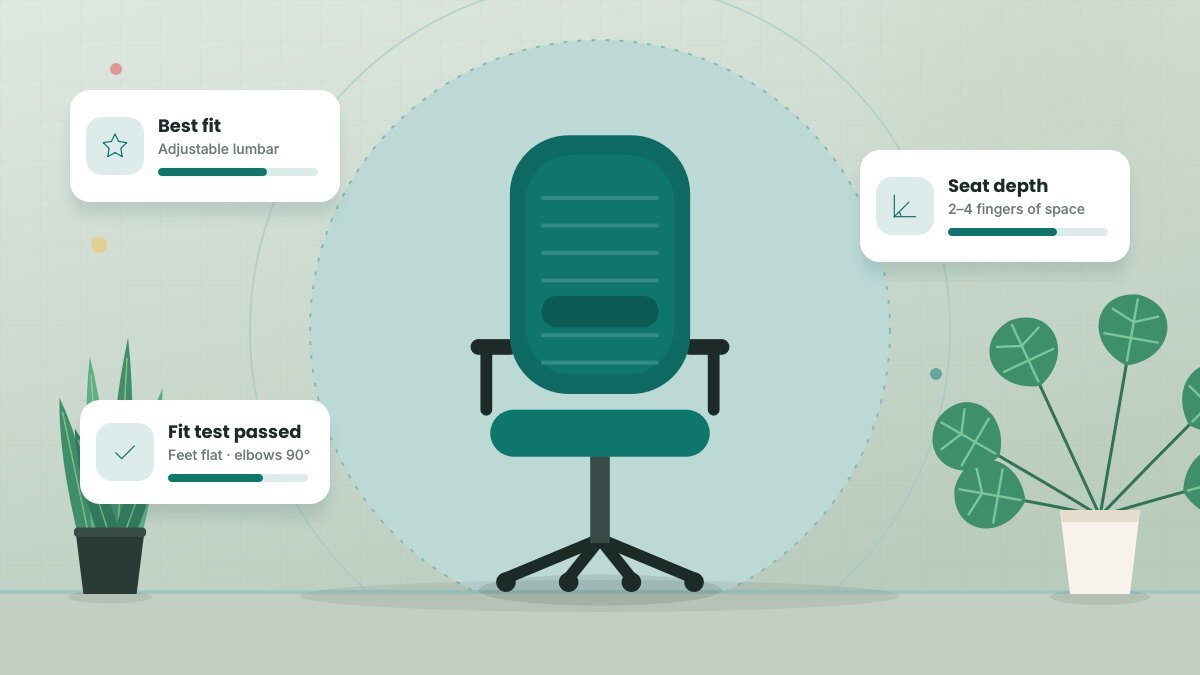
If you work from home full time, you might spend more hours in your office chair than in your bed. Yet many remote workers still use a dining chair or whatever was cheapest online. A well-fitted chair won't fix every ache, but it makes good posture far easier to maintain and can make long workdays noticeably more comfortable.
Why adjustability beats brand names
Bodies come in many shapes and sizes, and no single chair is "the best" for everyone. The most useful chairs are the ones that adjust to fit you. Occupational safety guidance, including OSHA's computer workstation recommendations, emphasizes fitting the chair to the person — supporting the lower back, allowing feet to rest flat and keeping thighs roughly parallel to the floor.
The features that matter most
Seat height
Your feet should rest flat on the floor (or a footrest) with knees at about hip level. Most chairs adjust between roughly 16 and 21 inches. If you're shorter or taller than average, check the range before buying.
Seat depth
You should be able to sit all the way back with two to four fingers of space between the seat edge and the back of your knees. Seats that are too deep push you forward and away from the backrest. A seat-depth slider is one of the most underrated chair features.
Lumbar support
Your lower back has a natural inward curve. Good lumbar support fills that gap so you don't slump. Adjustable lumbar — one you can move up and down or change in firmness — works for more people than a fixed bump.
Backrest and recline
A backrest that supports your mid-back and allows a slight recline (around 100 to 110 degrees) reduces pressure on the spine. A recline tension knob lets you lean back without feeling like you'll tip over.
Armrests
Armrests should let your shoulders relax with elbows close to your body. Height-adjustable arms are the minimum; arms that also move in and out help narrower or broader frames. If the armrests stop you from pulling close to your desk, lower them or remove them.
Quick fit test: Sit all the way back, feet flat, hands on your keyboard. Your shoulders should be relaxed, elbows bent around 90 degrees and your lower back supported. If anything feels forced, the chair (or your desk height) needs adjusting.
Materials and comfort
- Mesh backs breathe well, which helps in warm rooms or homes without central air.
- Foam seats with a waterfall edge (a rounded front) reduce pressure behind the knees.
- Fabric is warm and comfortable but can be harder to clean; leather or faux leather is easy to wipe but can get hot.
How much should you spend?
You don't need a luxury chair to be comfortable, but extremely cheap chairs often lack adjustments and wear out fast. As a general guide:
| Budget tier | What to expect |
|---|---|
| Entry level | Seat height and basic tilt; fixed lumbar; may be fine for part-time use |
| Mid-range | Adjustable lumbar, seat depth and armrests; good warranty |
| Premium | Highly adjustable, durable, long warranties (often 10+ years) |
Refurbished premium chairs from reputable office furniture resellers are a popular way to get high-end adjustability at a mid-range price.
Try before you commit
If possible, test chairs in a store or buy from a retailer with a generous return window. Sit in a new chair for a full workday or two before deciding. Comfort in the first five minutes doesn't always predict comfort at hour seven.
Don't forget the rest of your setup
A great chair can't compensate for a desk that's too high or a laptop screen that forces you to look down. Pair your chair with a desk at the right height, an external keyboard and a monitor at eye level.
Related guide: Home Office Lighting: How to Light Your Workspace for Focus and Video Calls
Key takeaways
- Choose a chair that adjusts to your body: seat height, seat depth, lumbar and armrests.
- Fit matters more than brand or appearance.
- Mid-range or refurbished premium chairs offer the best value for most remote workers.
- Test chairs for a full day and buy from a retailer with a fair return policy.
Frequently asked questions
Are gaming chairs good for working from home?
Some are comfortable, but many have fixed bucket seats and pillow-style lumbar supports that don't fit everyone. Compare the adjustments, not the styling.
How long should an office chair last?
A quality chair can last 7 to 10 years or more. Warranty length is a good indicator of how long the manufacturer expects it to last.
Do I need a headrest?
Not necessarily. A headrest is useful if you recline often during calls or reading, but it isn't essential for upright typing.
This article is for general informational purposes and isn’t a substitute for professional legal, medical, tax or financial advice. See our disclaimer.


