Standing Desk vs. Sitting Desk: Which Is Better for Remote Workers?
Thinking about a standing desk for your home office? We compare standing and sitting desks, explain what the research suggests and show how to use either one well.

Standing desks have gone from a niche office perk to one of the most popular home office upgrades. But is standing actually better than sitting? And is a standing desk worth the money if you work from home? The honest answer is that neither standing nor sitting is ideal on its own. What matters most is how often you change positions.
What the research suggests
Health agencies, including the CDC, have long warned that long, uninterrupted periods of sitting are linked to health risks. That's where standing desks got their reputation. However, standing still for hours has its own drawbacks — it can contribute to leg discomfort, foot pain and lower back fatigue.
The takeaway from occupational health guidance is consistent: movement and variety beat any single posture. A standing desk is valuable because it makes changing positions easy, not because standing is magic.
Standing desk: pros and cons
Pros
- Makes it easy to alternate between sitting and standing throughout the day
- Can reduce stiffness and help you feel more alert during long tasks
- Encourages small movements — shifting weight, stretching, walking during calls
- Good for taking phone calls or brainstorming on your feet
Cons
- Higher upfront cost than a basic desk
- Electric models need an outlet and can wobble at full height if poorly built
- Standing for too long can cause foot and leg discomfort
- Requires an adjustable monitor setup to keep the screen at eye level in both positions
Sitting desk: pros and cons
Pros
- Typically more affordable and very stable
- Works well with a high-quality ergonomic chair
- Easy to find in small or decorative styles for apartments
Cons
- Makes it easier to sit for hours without a break
- Fixed height may not suit your body, especially if you are shorter or taller than average
Budget alternative: A desktop converter — a platform that sits on your existing desk and raises your keyboard and monitor — lets you try standing for far less than a new desk. Just check that it holds your monitor at eye level when raised.
How to use a standing desk the right way
If you buy a standing desk, set it up correctly and build a routine around it.
- Set the height to your elbows. When standing, your forearms should be roughly parallel to the floor with elbows bent around 90 degrees and shoulders relaxed.
- Keep the top of your monitor at or slightly below eye level. Raise the monitor with an arm or riser so you aren't looking down.
- Start gradually. Begin with short standing intervals — 15 to 30 minutes — and increase as you get comfortable.
- Use an anti-fatigue mat and supportive shoes. Standing on a hard floor in socks gets uncomfortable fast.
- Alternate often. Many people find that switching every 30 to 60 minutes works well. Pair changes with natural breaks, like the start of a meeting.
- Keep moving. Shift your weight, stretch your calves and take a short walk once an hour.
How to sit better at a regular desk
If you stick with a traditional desk, you can still get many of the benefits:
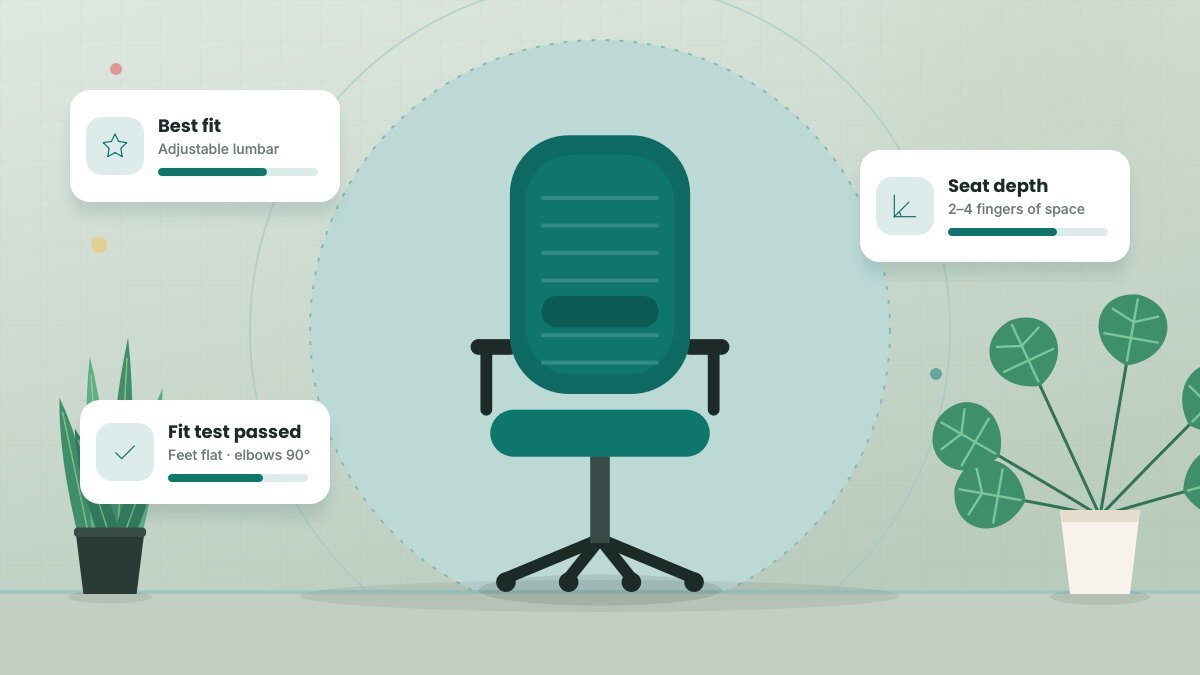
- Adjust your chair so your feet rest flat and your knees are about level with your hips.
- Set a timer or use calendar reminders to stand and move every 30 to 60 minutes.
- Take calls standing up or while walking around your home.
- Use a footrest if your desk is too high and your feet don't reach the floor.
Which should you choose?
Choose a standing desk if you work long hours at your computer, feel stiff by the afternoon, have space for it and can budget for a sturdy model. Choose a sitting desk with a good chair if space or budget is tight — and commit to standing up regularly on your own.
Either way, the best desk is the one that helps you move more and keeps your screen, keyboard and body in comfortable alignment.
Related guide: How to Choose the Right Office Chair for Your Home Office
Key takeaways
- No single posture is best; changing positions often is what counts.
- Standing desks make movement easier but shouldn't mean standing all day.
- Match desk height to your elbows and keep your monitor at eye level.
- A desktop converter is a low-cost way to try standing.
Frequently asked questions
How long should I stand at a standing desk each day?
There's no universal number. A practical approach is to alternate every 30 to 60 minutes and listen to your body. If your feet, legs or back start to ache, it's time to switch.
Are electric or manual standing desks better?
Electric desks are easier to adjust, which means you're more likely to actually change positions. Manual crank desks cost less but take more effort, so many people stop adjusting them.
Do I need a different chair for a standing desk?
No. Any adjustable ergonomic chair works. Some people also use a perching stool for a middle position between sitting and standing.
This article is for general informational purposes and isn’t a substitute for professional legal, medical, tax or financial advice. See our disclaimer.