How to Prevent Eye Strain When Working on a Computer
Tired, dry or blurry eyes after a day on screens? Learn the causes of digital eye strain and practical habits — like the 20-20-20 rule — to protect your eyes.

If your eyes feel tired, dry or blurry after a long day of video calls and spreadsheets, you're not alone. Digital eye strain — sometimes called computer vision syndrome — is common among people who spend hours on screens. The American Optometric Association notes that symptoms can include eyestrain, headaches, blurred vision, dry eyes and neck and shoulder pain. The good news is that simple changes can make a big difference.
Why screens strain your eyes
Several factors contribute to eye strain:
- Reduced blinking: People tend to blink less when focusing on screens, which can dry out the eyes.
- Constant near focus: Your eye muscles work continuously to focus at close distances.
- Glare and contrast: Reflections and bright backgrounds make your eyes work harder.
- Poor positioning: Screens too close, too far or at the wrong height cause squinting and awkward posture.
- Uncorrected vision: Even small vision problems become more noticeable during long screen sessions.
Follow the 20-20-20 rule
Eye care professionals widely recommend the 20-20-20 rule: every 20 minutes, look at something about 20 feet away for at least 20 seconds. This gives your focusing muscles a break.
To make it a habit:
- Set a recurring timer or use a break-reminder app.
- Position your desk so you can see out a window or across a room.
- Pair it with natural pauses, like after sending an email.
Blink more and keep eyes moist
- Make a conscious effort to blink fully, especially during focused work.
- Keep a glass of water nearby and stay hydrated.
- Use a humidifier if your home is dry, especially during winter heating season.
- Ask an eye doctor whether lubricating eye drops are right for you.
- Point fans and air vents away from your face.
Try a "blink break." A few times an hour, close your eyes gently for a few seconds, then blink slowly several times. It helps spread tears evenly across your eyes.
Position your screen correctly
- Place your monitor about an arm's length away.
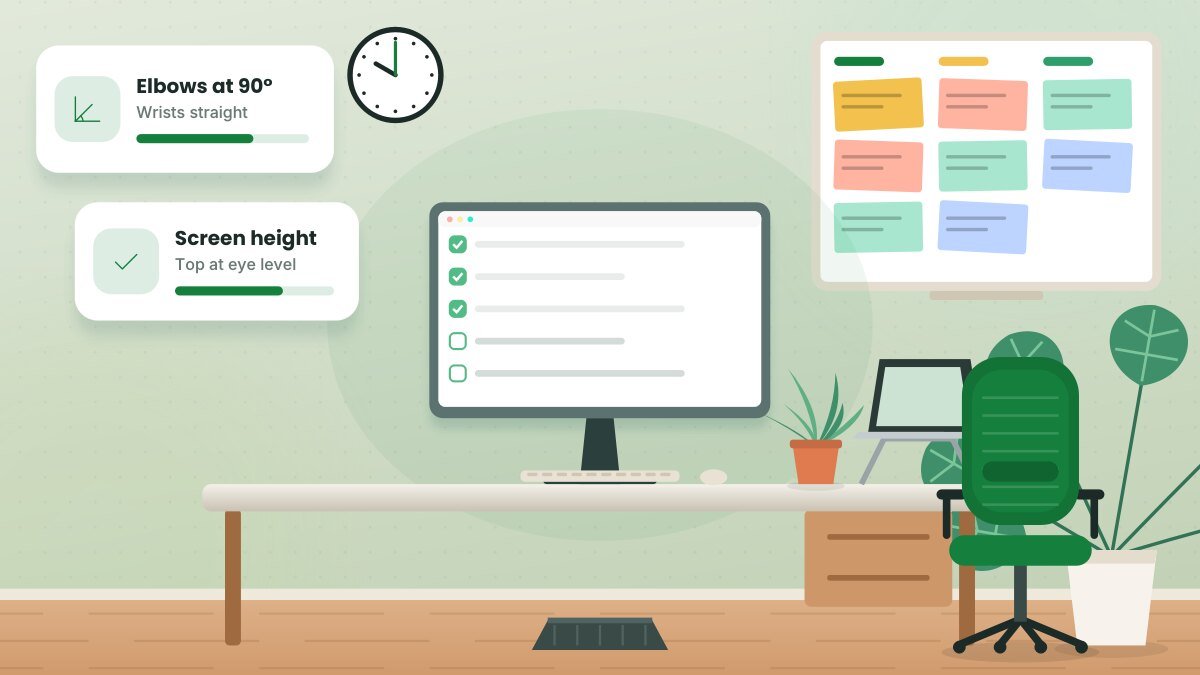
- Position the top of the screen at or slightly below eye level, so you look slightly downward.
- Increase text size instead of leaning closer to read.
- Keep the screen clean — dust and smudges reduce clarity.
Manage lighting and glare
- Avoid placing your screen directly in front of or behind a bright window.
- Use blinds or curtains to control sunlight.
- Match screen brightness to your surroundings — not much brighter or darker than the room.
- Use a desk lamp for paperwork, aimed away from your screen.
- Consider an anti-glare screen filter if reflections are hard to avoid.
Adjust display settings
- Increase font size and contrast for comfortable reading.
- Use dark mode or light mode based on what feels better in your lighting conditions.
- Enable a warmer display setting in the evening if you find it more comfortable.
What about blue light glasses?
Blue light glasses are widely marketed for eye strain, but the American Academy of Ophthalmology has stated that it does not recommend them for digital eye strain, noting that blue light from screens isn't shown to damage eyes. Many eye professionals emphasize breaks, blinking, lighting and proper vision correction instead. If you're considering them, discuss it with your eye doctor.
Get regular eye exams
Uncorrected or outdated prescriptions are a common cause of eye strain. Tell your eye doctor how many hours you spend on screens and how far your monitor sits from your eyes. Some people benefit from glasses designed specifically for computer distance.
When to see a professional
Contact an eye care professional if you experience persistent blurry vision, double vision, eye pain, frequent headaches or symptoms that don't improve with breaks.
Related guide: Desk Stretches for Remote Workers: A 10-Minute Routine
Key takeaways
- Follow the 20-20-20 rule to rest your focusing muscles.
- Blink often, stay hydrated and manage dry air.
- Position your screen at arm's length and slightly below eye level.
- Control glare and get regular eye exams.
Frequently asked questions
Can screens permanently damage my eyes?
Current evidence suggests digital eye strain causes temporary discomfort rather than permanent damage, but persistent symptoms deserve a professional evaluation.
Is dark mode better for my eyes?
It depends on your environment and preference. Some people find dark mode more comfortable in dim rooms; others prefer light mode in bright spaces.
How often should I get an eye exam?
Follow your eye doctor's recommendation. Many adults are advised to have exams every one to two years, or more often with certain conditions.
This article is for general informational purposes and isn’t a substitute for professional legal, medical, tax or financial advice. See our disclaimer.