Managing Hybrid Teams: How to Keep Things Fair
Hybrid teams can create an unequal playing field between office and remote workers. Learn how to run inclusive meetings, share information fairly and avoid proximity bias.
Hybrid work — a mix of in-office and remote time — has become one of the most common arrangements for U.S. knowledge workers. It offers flexibility, but it also introduces a challenge fully remote and fully in-office teams don't face: two groups of employees with different access to information, relationships and opportunities. Without intentional management, hybrid teams can drift into an "in group" and an "out group." Here's how to keep things fair.
Understand proximity bias
Proximity bias is the tendency to favor people who are physically nearby. In hybrid teams, it can show up as:
- In-office employees getting more informal feedback and mentoring
- Decisions made in hallway conversations that remote employees never hear about
- Stretch assignments going to whoever is in the room
- Performance reviews rewarding visibility rather than results
Awareness is the first step. Managers should regularly ask: "Would this decision be the same if everyone were remote?"
Design hybrid schedules intentionally
Leaving in-office days completely up to individuals can mean teammates rarely overlap. Options include:
- Anchor days: The team comes in on the same days for collaboration and connection.
- Team-level choice: Each team decides its schedule based on its work.
- Purpose-driven office time: Use office days for workshops, planning and social time — not solo work you could do at home.
Whatever you choose, communicate it clearly and apply it consistently.
Run meetings with a "remote-first" mindset
Hybrid meetings are notoriously tricky. Remote participants struggle to hear side conversations, get a word in or see the whiteboard.
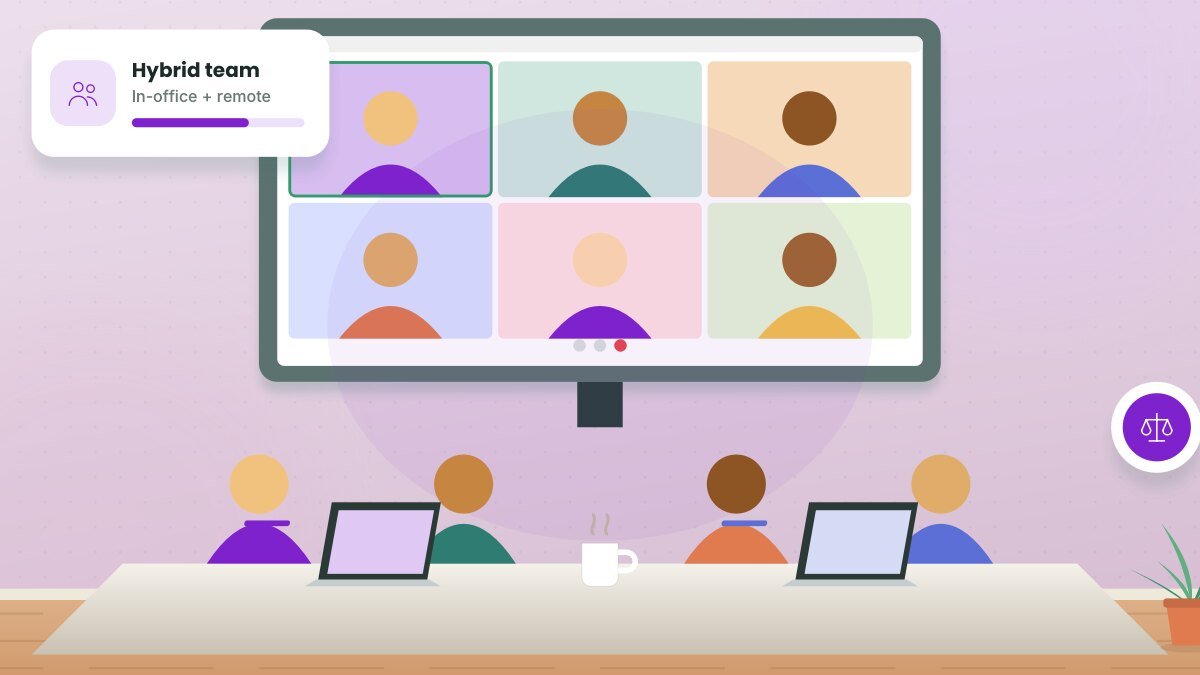
- Have everyone join from their own device when possible, even in the office, so everyone is on equal footing.
- Invest in quality meeting room audio and video if people meet in a conference room.
- Assign a facilitator to actively invite remote participants into the conversation.
- Use digital whiteboards instead of physical ones.
- Use chat and hand-raise features consistently.
The one-remote-all-remote rule: Some teams adopt a simple rule — if even one person is remote, everyone joins the meeting from their own laptop. It instantly levels the playing field.
Share information equally
- Document decisions in shared spaces instead of relying on in-person conversations.
- Post important announcements in writing in team channels.
- If a meaningful conversation happens in the office, summarize it for remote teammates.
- Make all-hands meetings accessible remotely and record them.
Distribute opportunities fairly
Track who gets high-visibility projects, presentation opportunities and leadership roles. If in-office employees consistently receive more of them, adjust. Make assignments based on skills and development goals, and announce opportunities openly so everyone can raise their hand.
Evaluate performance on outcomes
Set clear goals for every team member and evaluate results, not hours seen in the office. Calibrate performance ratings across managers to check for patterns that favor in-office employees.
Build relationships across locations
- Pair in-office and remote employees on projects.
- Use virtual coffee chats that mix locations.
- Plan occasional in-person gatherings that include remote employees, with travel support if possible.
- Celebrate wins in channels everyone can see.
Set clear norms
Create a team agreement covering:
- Which days, if any, are in-office days
- Core collaboration hours
- Response time expectations
- Which tools to use for what
- How meetings will run
Revisit the agreement every few months and adjust based on feedback.
Listen to both groups
Regularly ask remote and in-office employees how the arrangement is working. Compare responses. If remote employees feel less informed or less valued, take it seriously and act.
Related guide: How to Onboard Remote Employees: A 30-60-90 Day Plan
Key takeaways
- Be aware of proximity bias and actively counter it.
- Design intentional schedules and remote-first meetings.
- Document information and distribute opportunities transparently.
- Evaluate performance on outcomes and gather feedback from both groups.
Frequently asked questions
What's the best hybrid schedule?
There's no single best schedule. Many teams find that two or three coordinated anchor days work well, but the right choice depends on the work.
Should managers come to the office more than their team?
Managers should be thoughtful about their presence. If a manager is always in the office, in-office employees may naturally get more access, so balance is important.
How do we make hybrid meetings less awkward?
Use quality audio and video, assign a facilitator, use digital collaboration tools and consider having everyone join from their own device.
This article is for general informational purposes and isn’t a substitute for professional legal, medical, tax or financial advice. See our disclaimer.