Home Office Essentials Checklist: What You Actually Need (and What You Don't)
Building a home office? Use this practical checklist of essentials, nice-to-haves and items you can skip, so you spend money only where it improves your workday.
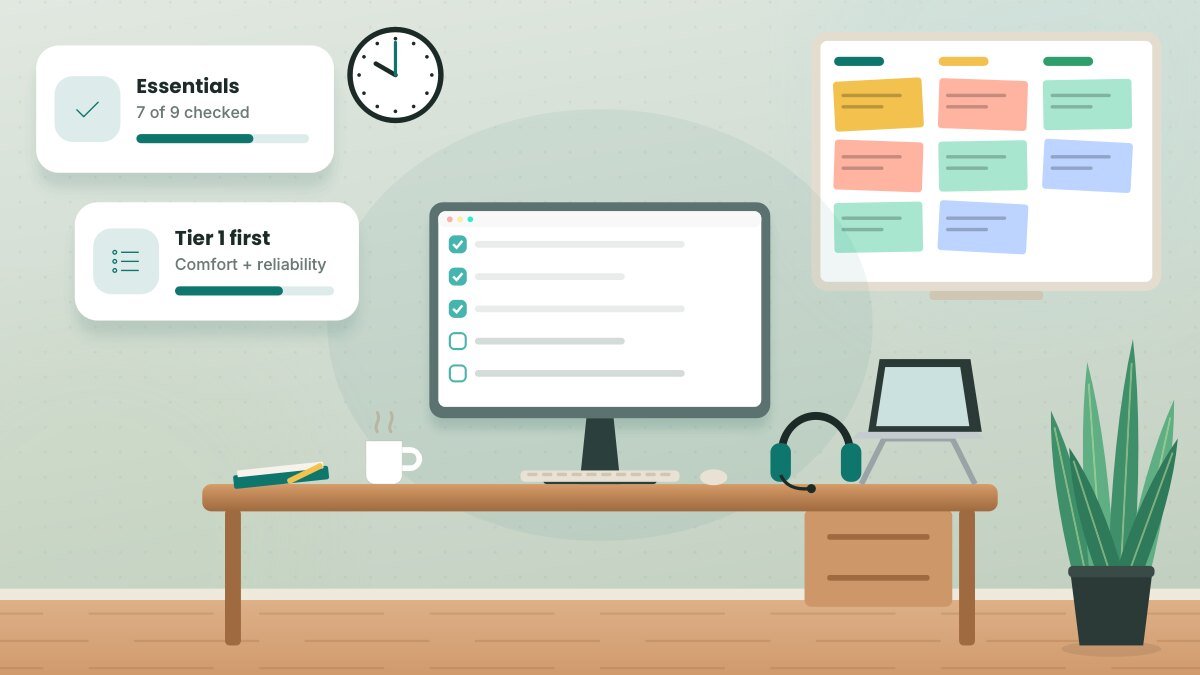
When people start working from home, it's tempting to buy everything at once — the fancy chair, three monitors, a smart light strip and a desk full of gadgets. A better approach is to invest first in the items that affect your comfort, health and reliability every single day, then add upgrades as you learn what your work actually demands.
Tier 1: The true essentials
These items affect your body and your ability to do your job. If you skip anything, skip something else.
- A desk at the right height. Your elbows should rest at about 90 degrees while typing. If your desk is too high, a keyboard tray or a footrest can help.
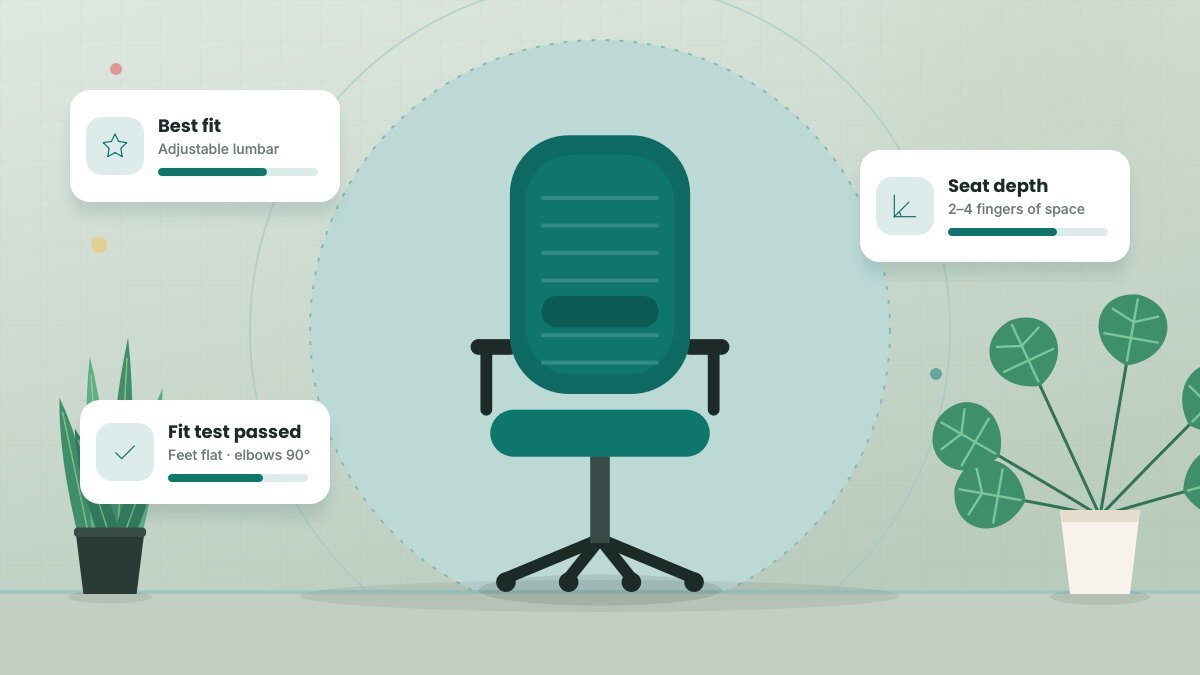
- An adjustable chair. Look for adjustable seat height, lumbar support and a seat depth that fits you.
- A reliable internet connection. Check that your plan covers your video calls and file uploads, and place your router where it can reach your desk.
- An external keyboard and mouse. If you use a laptop, these let you raise the screen to eye level without hunching.
- A laptop stand or monitor. Looking down at a laptop screen all day strains your neck. Raise the screen so the top is at or slightly below eye level.
- A headset or quality earbuds with a microphone. Clear audio matters more than video quality in most meetings.
- Good lighting. A desk lamp for task lighting, plus a way to manage glare from windows.
Tier 2: High-value upgrades
Once the basics are in place, these items deliver the biggest improvement per dollar for most remote workers:
- An external monitor. A larger screen reduces window juggling and makes side-by-side work easier.
- A USB-C dock or hub. One cable connects your laptop to everything.
- A surge protector to protect your equipment from power spikes.
- A webcam if your laptop camera is low quality or poorly positioned.
- A footrest if your feet don't sit flat on the floor.
- Noise-reducing headphones if you share your home.
- A whiteboard or large notepad for planning and brainstorming.
Ask about a stipend. Many U.S. employers offer a home office stipend or equipment allowance, and some will ship you a monitor, chair or headset. Check your company's remote work policy before buying anything yourself — and keep your receipts.
Tier 3: Nice to have
- A second monitor (useful for developers, analysts and designers)
- A standing desk or desktop converter
- A dedicated microphone for frequent presenters or podcasters
- A small air purifier or plant to freshen the room
- A label maker and drawer organizers
- A mesh Wi-Fi system for larger homes
What you can usually skip
- Expensive "productivity" gadgets that don't solve a specific problem
- Gaming-style RGB accessories unless you genuinely enjoy them
- A printer, unless your job requires paper; many tasks can be done digitally or at a local print shop
- Oversized executive desks that eat up space without adding usable work area
Don't forget the invisible essentials
Some home office necessities don't sit on your desk:
- A backup plan for internet outages, such as your phone's hotspot or a nearby coworking space
- A password manager and multi-factor authentication for work accounts
- A cloud backup of important files
- A simple filing system for digital documents and any physical paperwork
Your printable checklist
- Desk at elbow height
- Adjustable chair with lumbar support
- Reliable internet with a backup option
- External keyboard and mouse
- Laptop stand or monitor at eye level
- Headset with microphone
- Task lamp and glare control
- Surge protector and cable management
- Password manager and backups
Related guide: How to Soundproof Your Home Office on a Budget
Key takeaways
- Spend first on items that affect your body and connectivity every day.
- Upgrade gradually based on the real demands of your work.
- Check whether your employer offers a stipend or equipment before buying.
- Plan for outages and security, not just furniture.
Frequently asked questions
Can I deduct home office equipment on my taxes?
It depends on your situation. Self-employed people may qualify for home office and equipment deductions, while W-2 employees generally cannot deduct these costs on federal returns. Review IRS Publication 587 and consult a tax professional.
Is one big monitor better than two smaller ones?
It comes down to preference. One ultrawide monitor avoids a bezel in the middle, while two monitors make it easy to dedicate one screen to communication apps.
What's the single best upgrade for a laptop user?
For most people, a laptop stand plus an external keyboard and mouse. It instantly improves your posture.
This article is for general informational purposes and isn’t a substitute for professional legal, medical, tax or financial advice. See our disclaimer.