How to Prevent Back and Neck Pain at a Home Desk
Back and neck pain are common among remote workers. Learn the causes, workstation fixes and daily habits that help keep your spine comfortable during long workdays.
Back and neck discomfort are among the most common complaints of people who work at computers. At home, makeshift setups — kitchen chairs, laptops on low tables, long hours on the couch — can make things worse. While many factors contribute to back and neck pain, your workspace and daily habits play an important role. Here's how to reduce strain and keep your spine more comfortable.
Note: This guide is for general information. If you have severe, persistent or worsening pain, numbness, weakness or pain after an injury, see a healthcare provider.
Common causes at a home desk
- Looking down at a laptop for hours, which pulls your head forward
- Slouching in a chair without lower back support
- Sitting still for long periods without breaks
- Reaching for a mouse or keyboard that's too far away
- Cradling a phone between your ear and shoulder
- Working from beds or couches that don't support your spine
Fix your screen height first
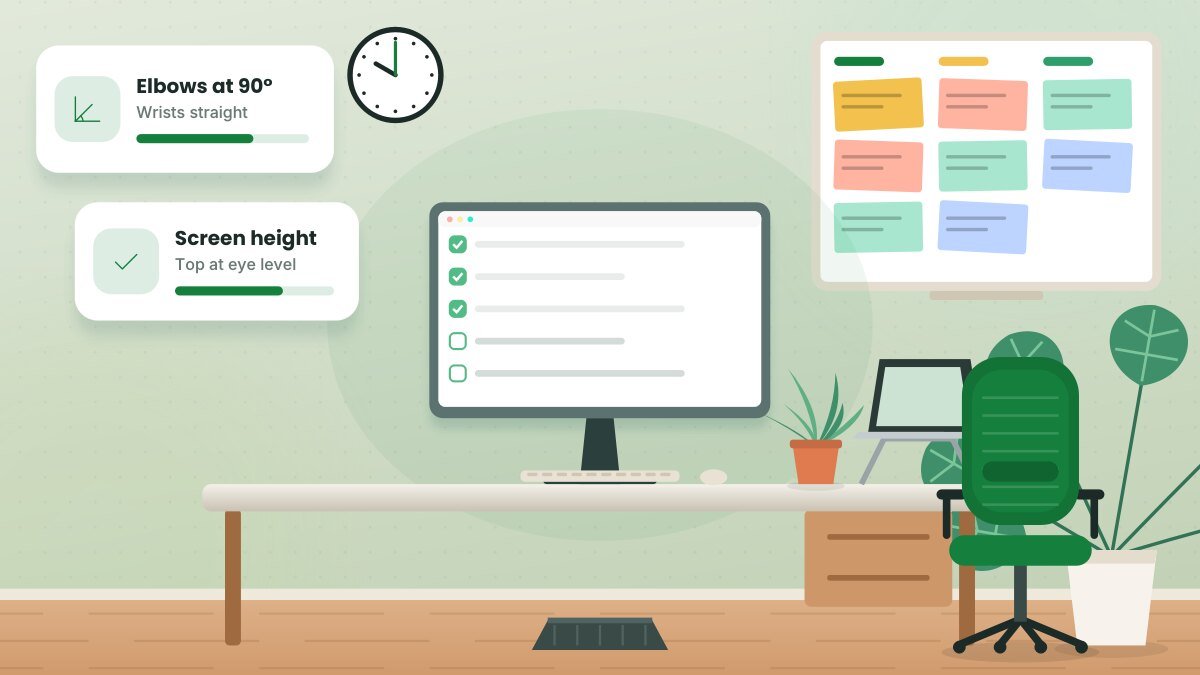
Your head is heavy, and every inch it moves forward increases the load on your neck. Raise your screen so the top is at or slightly below eye level. For laptop users, a stand plus an external keyboard and mouse is one of the most effective changes you can make.
Support your lower back
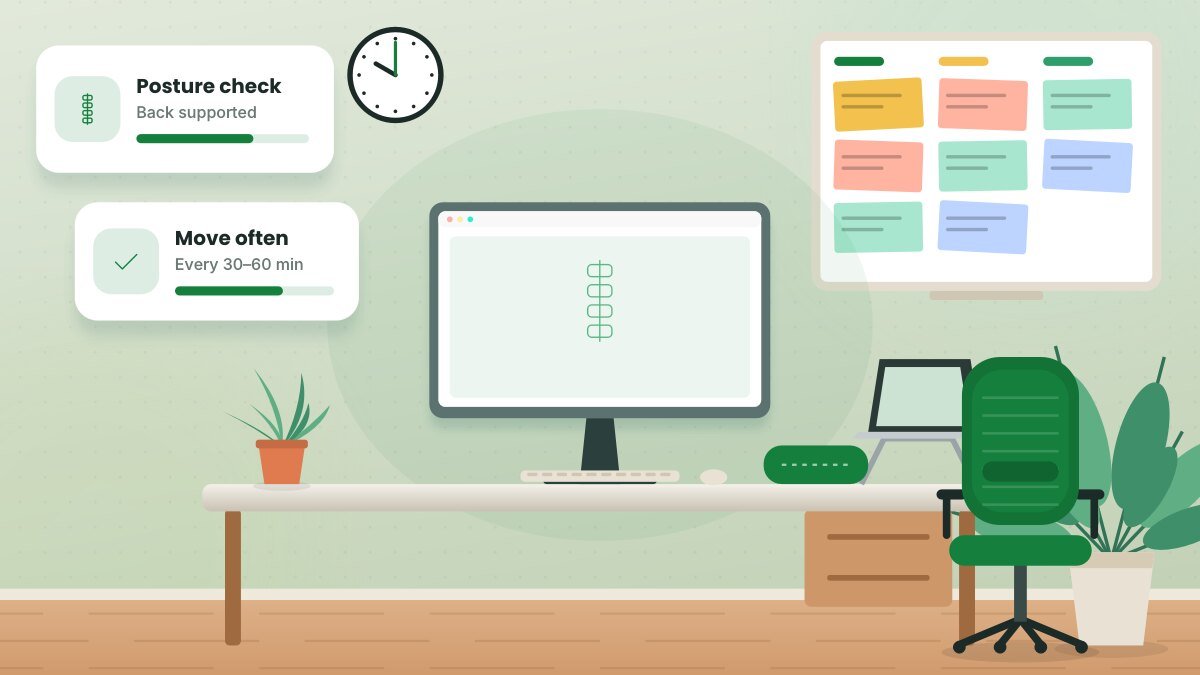
- Sit all the way back in your chair so the backrest supports you.
- Adjust lumbar support to fit the inward curve of your lower back.
- If your chair lacks lumbar support, use a small cushion or rolled towel.
- Keep your feet flat on the floor or a footrest so your hips and back stay supported.
Check for "tech neck." Several times a day, notice your head position. Are your ears roughly over your shoulders, or is your head pushed forward toward the screen? Gentle chin tucks can help reset your posture.
Keep your arms close
Reaching forward rounds your shoulders and upper back. Move your keyboard and mouse close to your body, keep your elbows near your sides and adjust armrests so your shoulders stay relaxed.
Use a headset for calls
Holding a phone between your ear and shoulder strains your neck. Use a headset, earbuds or speakerphone for calls.
Move often
Static posture — even good posture — can lead to stiffness. Aim to:
- Change position at least every 30 to 60 minutes
- Stand or walk during phone calls
- Take short movement breaks between meetings
- Try gentle stretches for your neck, shoulders and back
Strengthen supporting muscles
Strong core, back and shoulder muscles help support your spine. Regular physical activity — including walking and muscle-strengthening exercises — is widely recommended for overall health. A physical therapist can suggest exercises suited to your body.
Avoid working from bed or couch
Occasional casual work is fine, but making your couch or bed your regular office often leads to slouching, neck bending and poor wrist position. If you must, use a lap desk and supportive pillows, and limit the time.
Mind your sleep setup
Neck and back discomfort can also be influenced by sleep. A supportive mattress and a pillow that keeps your neck aligned can help you wake up more comfortable.
Manage stress
Stress can contribute to muscle tension in the neck and shoulders. Breathing exercises, short walks and clear work boundaries can help reduce tension.
When to see a professional
Seek medical care if you experience:
- Pain that lasts more than a few weeks or keeps getting worse
- Numbness, tingling or weakness in your arms or legs
- Pain after a fall or injury
- Pain accompanied by fever, unexplained weight loss or loss of bladder or bowel control (seek care immediately)
A doctor or physical therapist can assess the cause and recommend treatment.
Related guide: Sleep and Remote Work: How to Protect Your Rest
Key takeaways
- Raise your screen to eye level and support your lower back.
- Keep your keyboard and mouse close and use a headset for calls.
- Change positions frequently and strengthen supporting muscles.
- Seek professional help for persistent, severe or unusual symptoms.
Frequently asked questions
Is there one "perfect" posture?
No. Comfortable, supported positions and frequent changes matter more than holding one "perfect" posture all day.
Can a standing desk help with back pain?
Some people find alternating between sitting and standing more comfortable. The key is changing positions, not standing all day.
Should I use a posture corrector?
Posture correctors may provide reminders, but they don't replace good workstation setup, movement and muscle strength. Ask a healthcare provider if you're considering one.
This article is for general informational purposes and isn’t a substitute for professional legal, medical, tax or financial advice. See our disclaimer.